Configure your communication Hub
Last updated: May 29, 2025
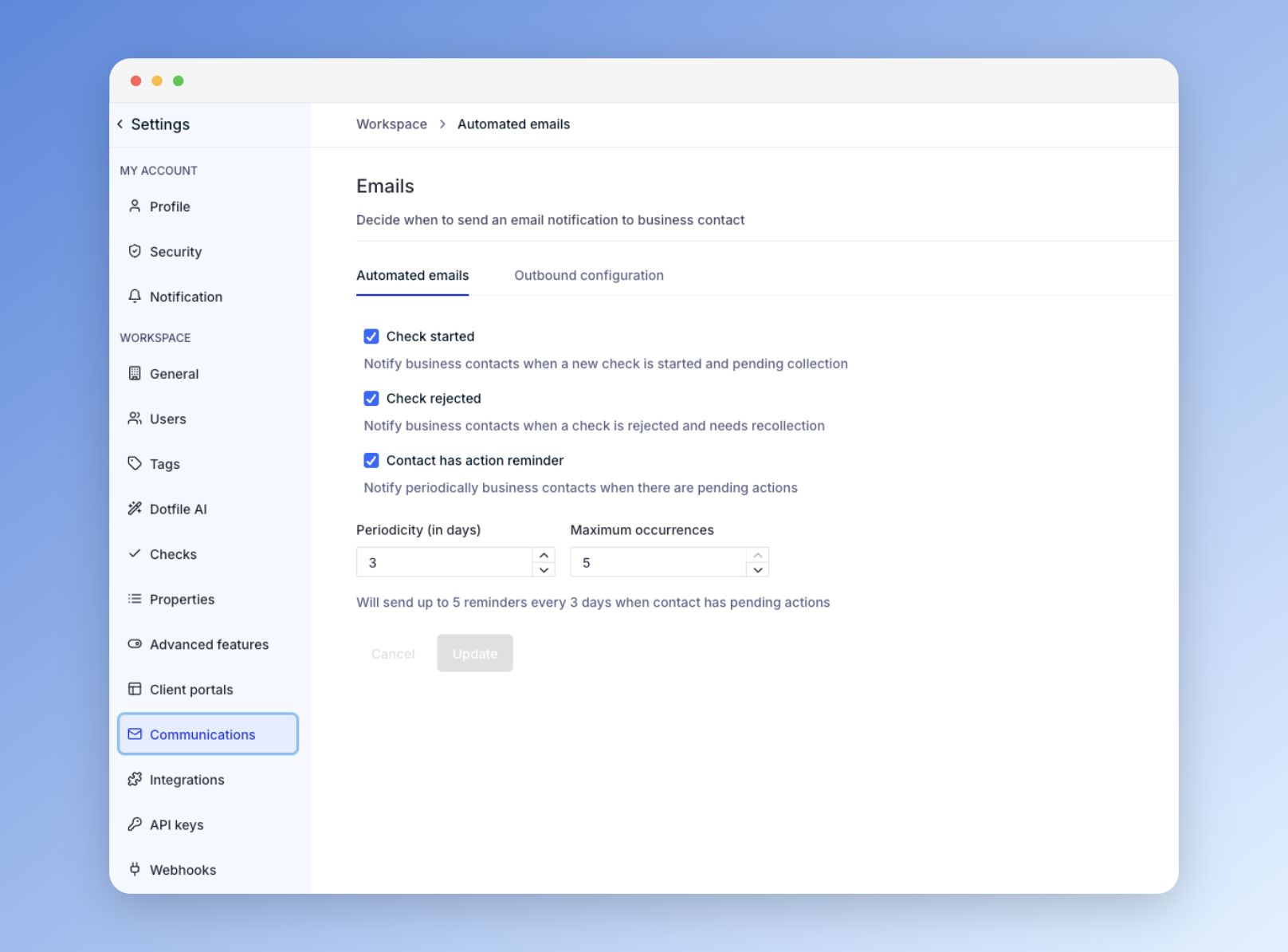
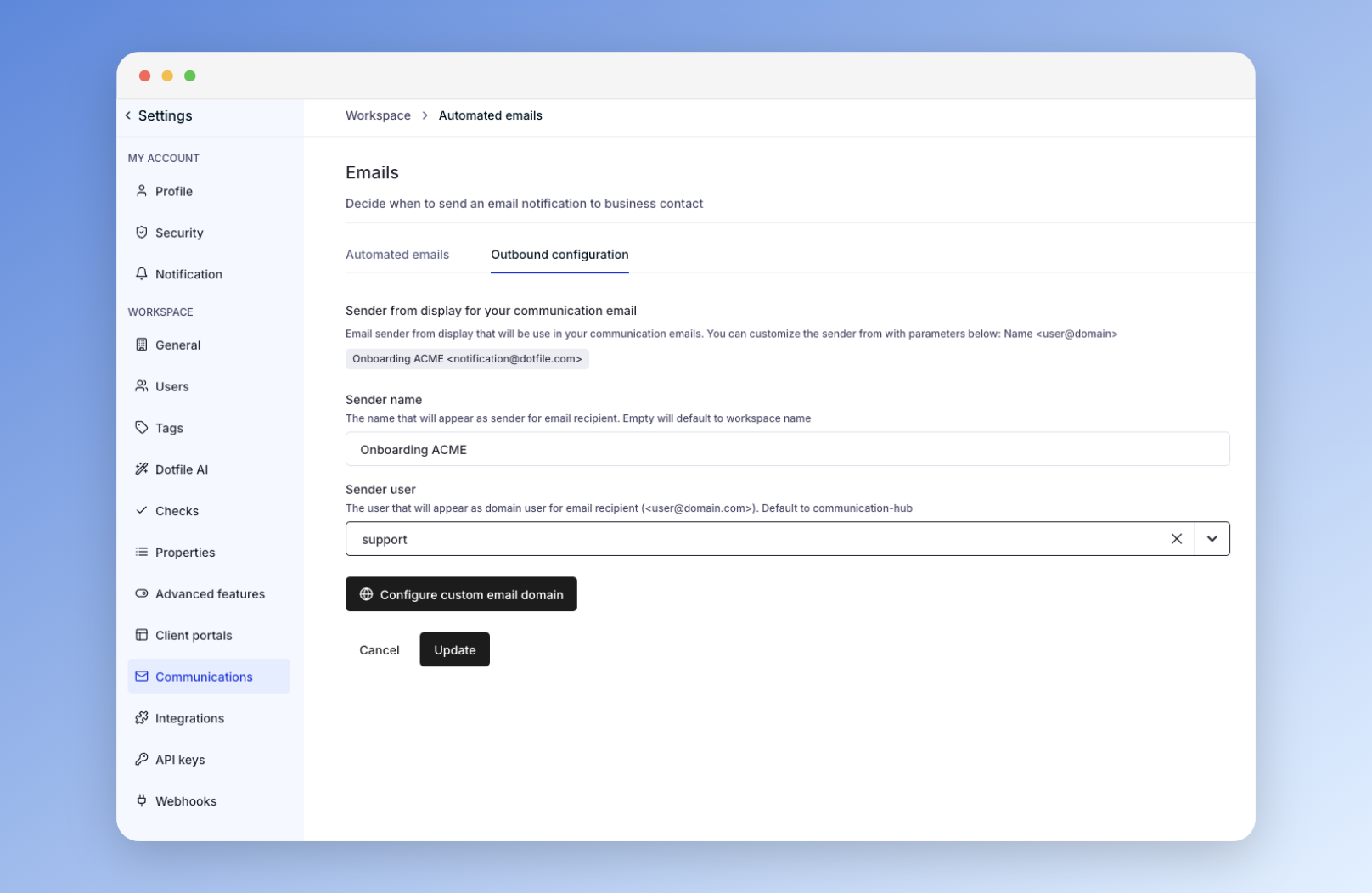
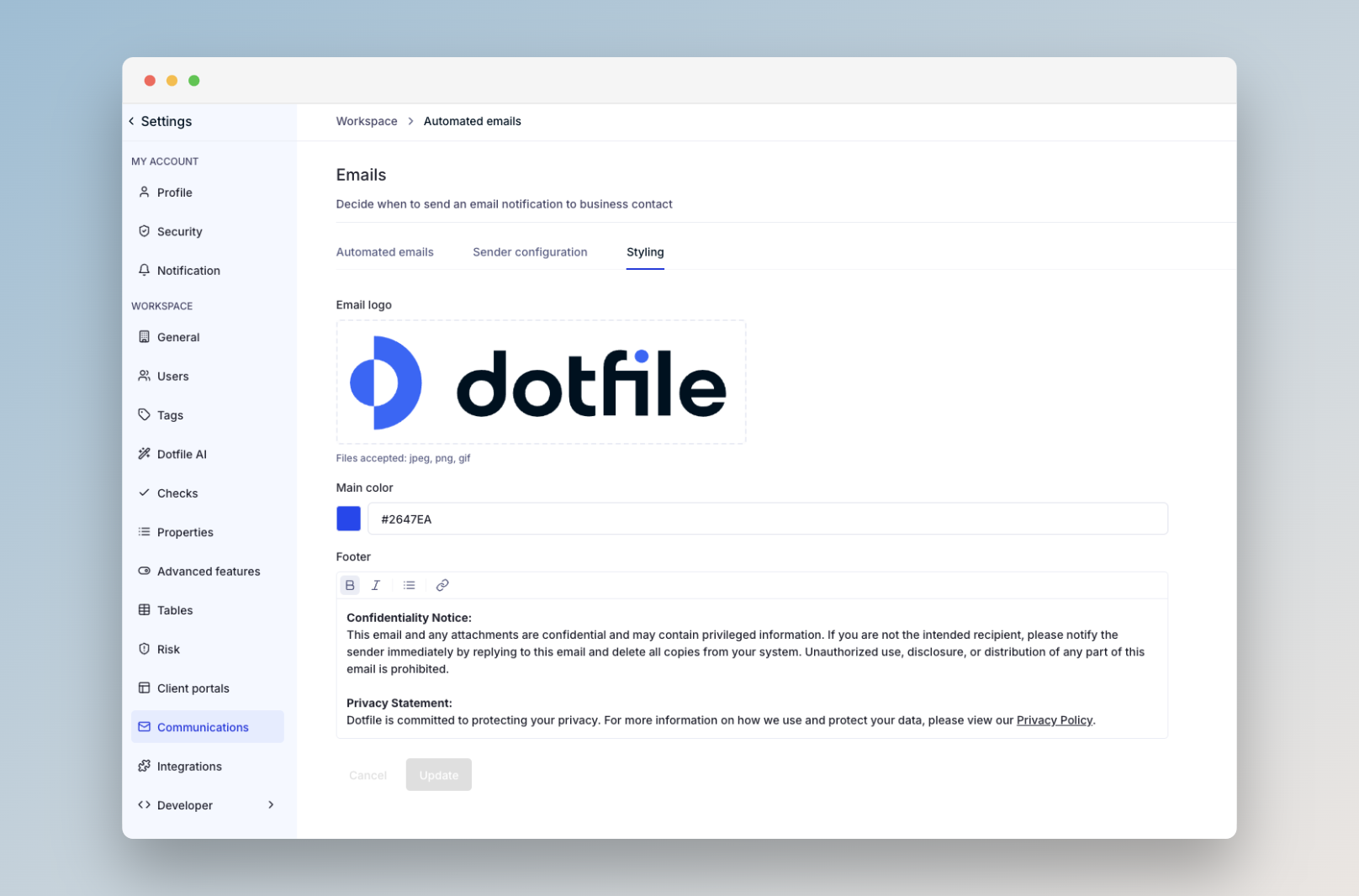
Go to Settings > Communications to configure your communication hub:
Automated Communications: Choose events that trigger emails to the business contact.
Sender Configuration: Set the sender name, user, and email domain for outgoing messages.
Styling: Define a default email style. If an email links to a client portal, the portal’s styling will override this.
You can find more information on the Communication Hub in our product documentation