Manage your workspace members
Last updated: May 29, 2025
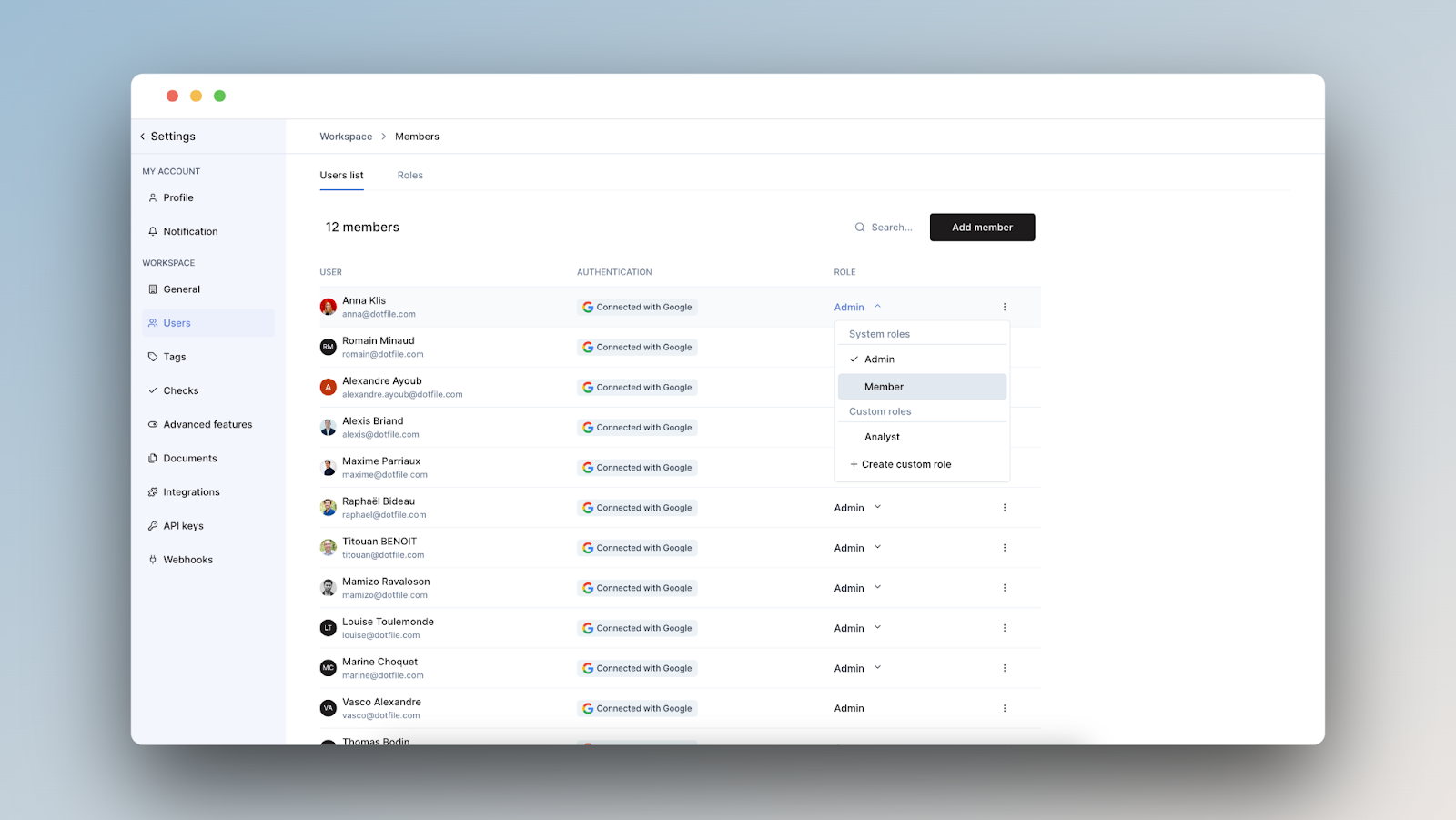
Go to Settings > Users to manage your workspace members:
Invite Members: Add new users and assign them a role.
Default Roles: Admins have full access; Members are limited to the main interface and their personal settings.
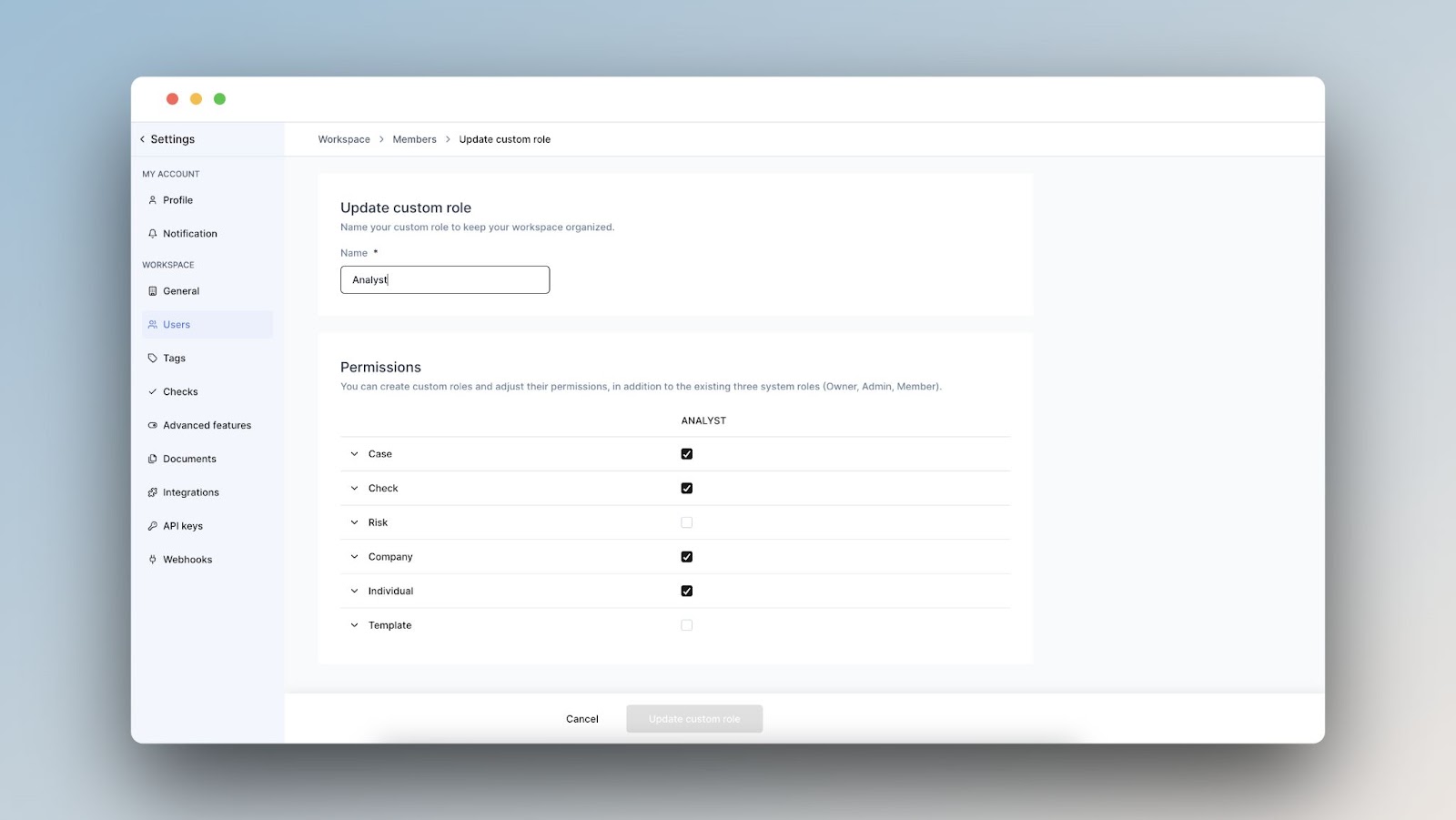
Custom Roles: Define specific permissions tailored to your team’s needs.
Security: Enable mandatory multi-factor authentication for all users.
Assignment Rules: Set up user pools and define rules for automatic case assignment.
Find more information on our product documentation.