Upload your first Risk Mapping Table
Last updated: May 29, 2025
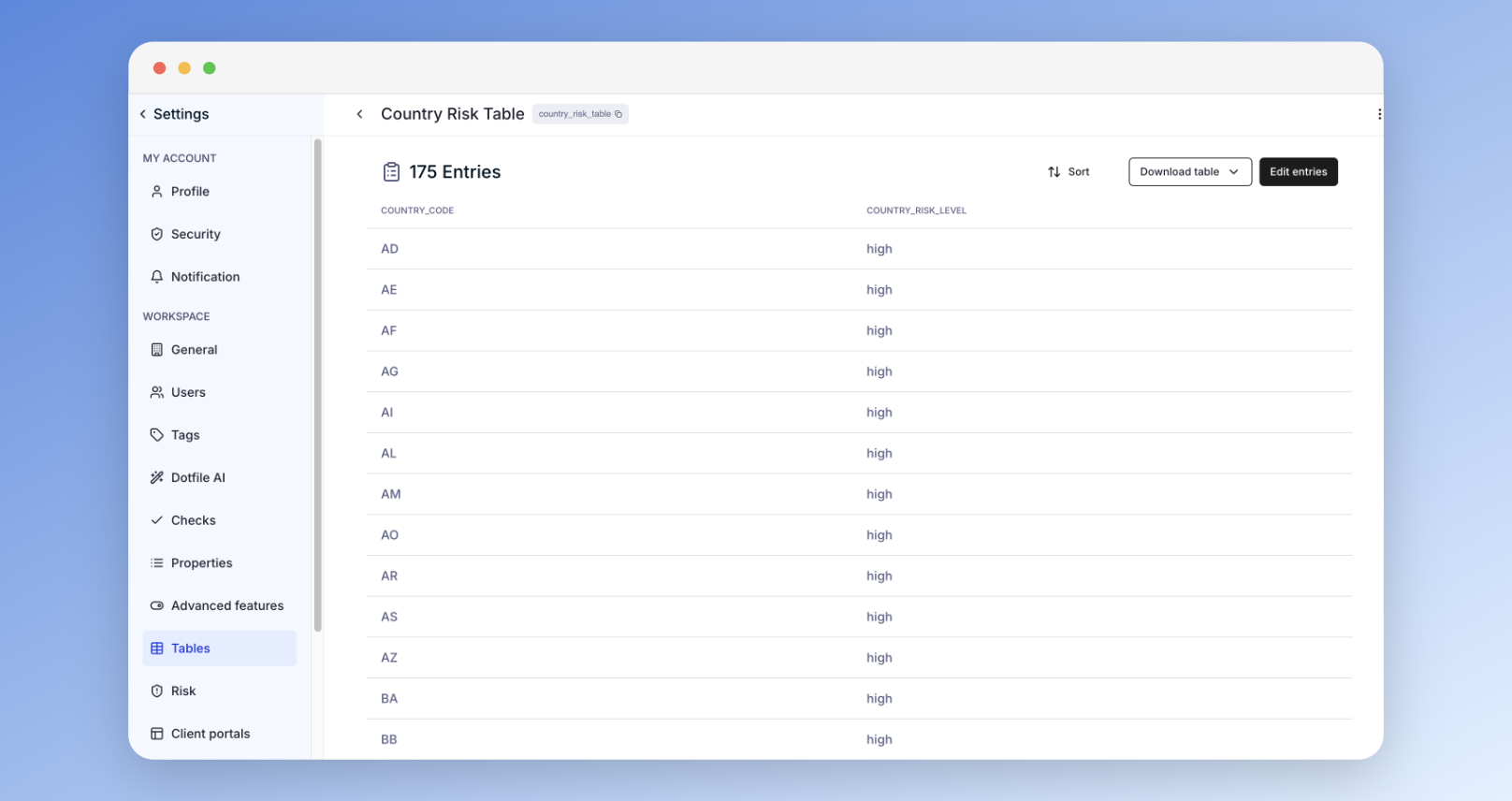
Go to Settings > Tables to manage your mapping tables:
A Table is a spreadsheet used for risk mappings, such as a country risk table listing country codes with associated risk levels and scores.
To create a table, upload a CSV or Excel file.
To update a record, download the current table, edit it, and re-upload the updated version.
Your workspace includes predefined country and industry tables as starting templates.
Find more informations on the tables on our product documentation.