Code your first risk engine
Last updated: May 29, 2025
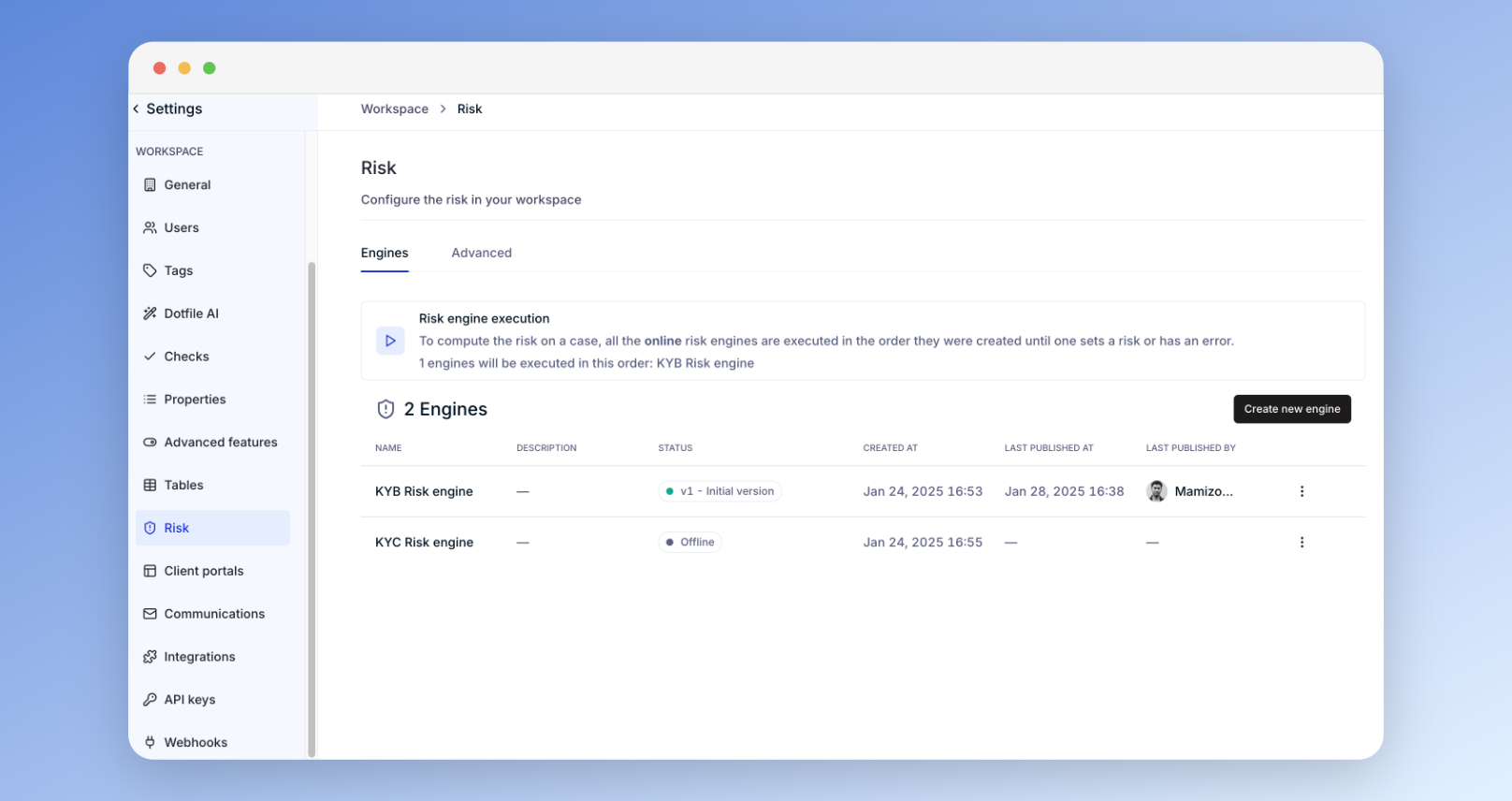
Go to Settings > Risk > Engines to create and manage your risk engines:
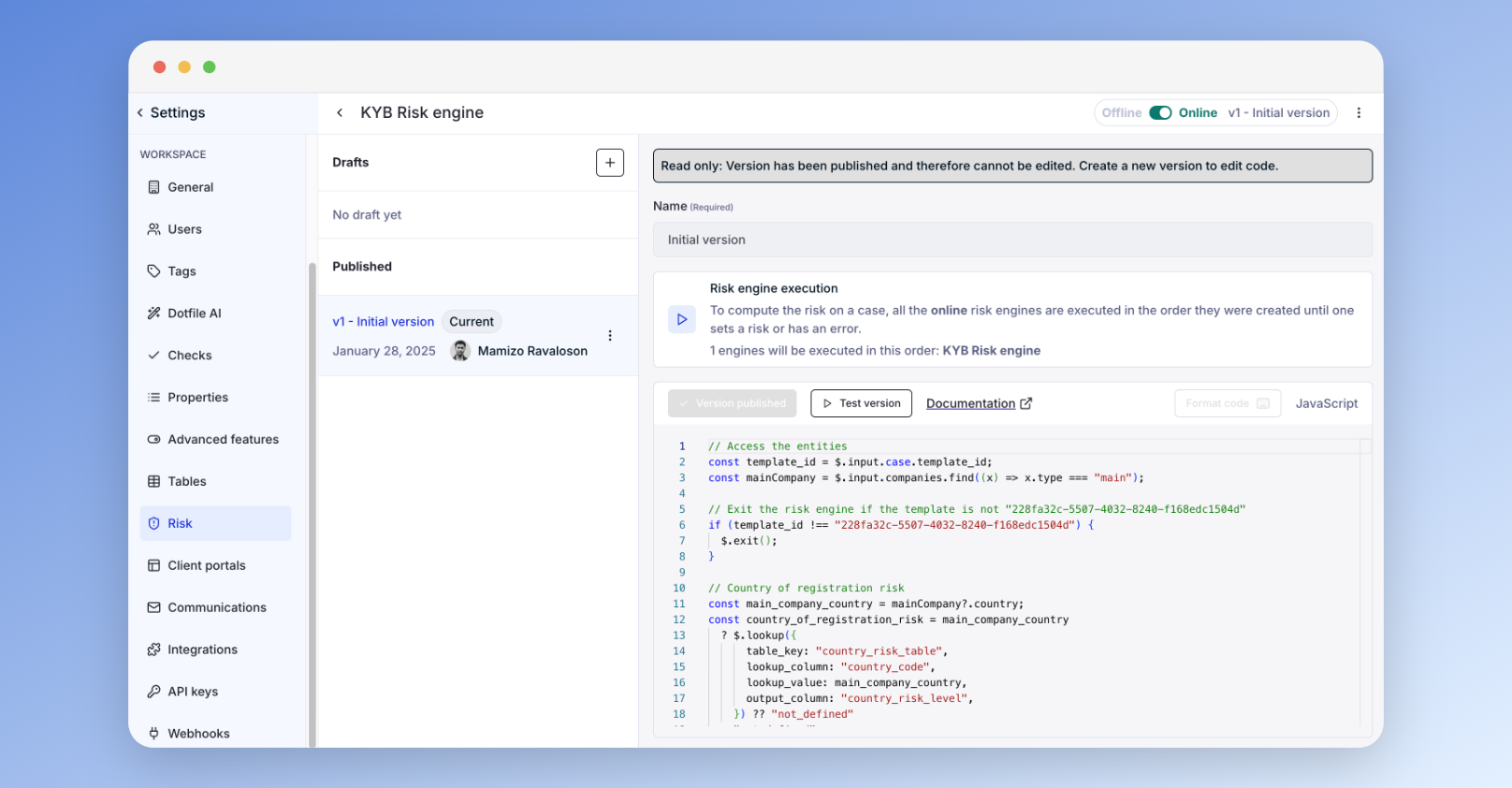
The risk engine is a low-code interface to define and apply your risk assessment rules.
Inputs must be centralized data from Dotfile and retrieved via predefined JavaScript methods.
You can define multiple engines and manage their routing and priority within the risk code.
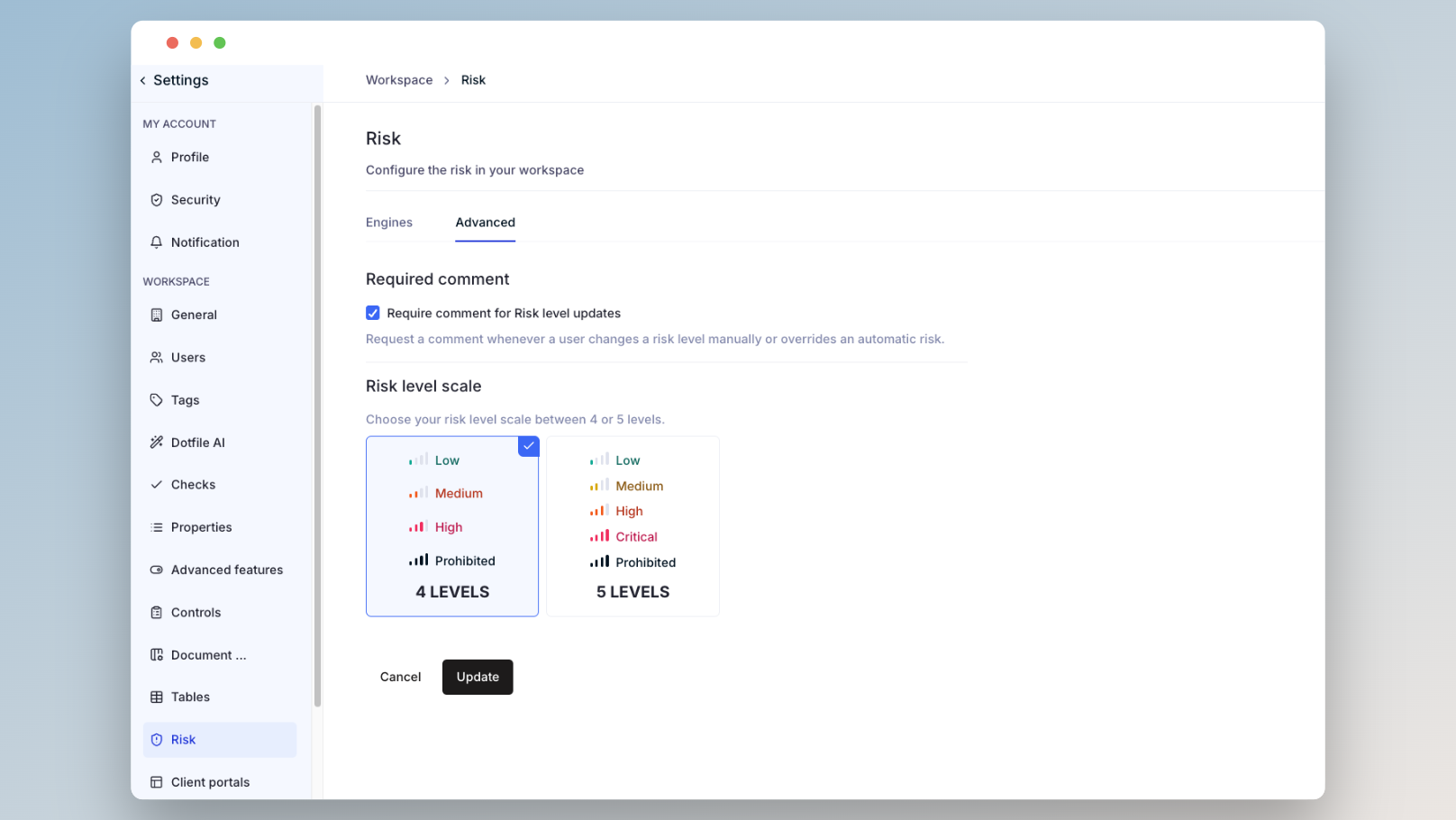
Then go to Settings > Risk > Advanced to choose your preferred risk scale:
4 levels: Low, Medium, High, Prohibited
5 levels: Low, Medium, High, Critical, Prohibited
More details available in the product documentation