Configure your liveness ID verification check
Last updated: May 29, 2025
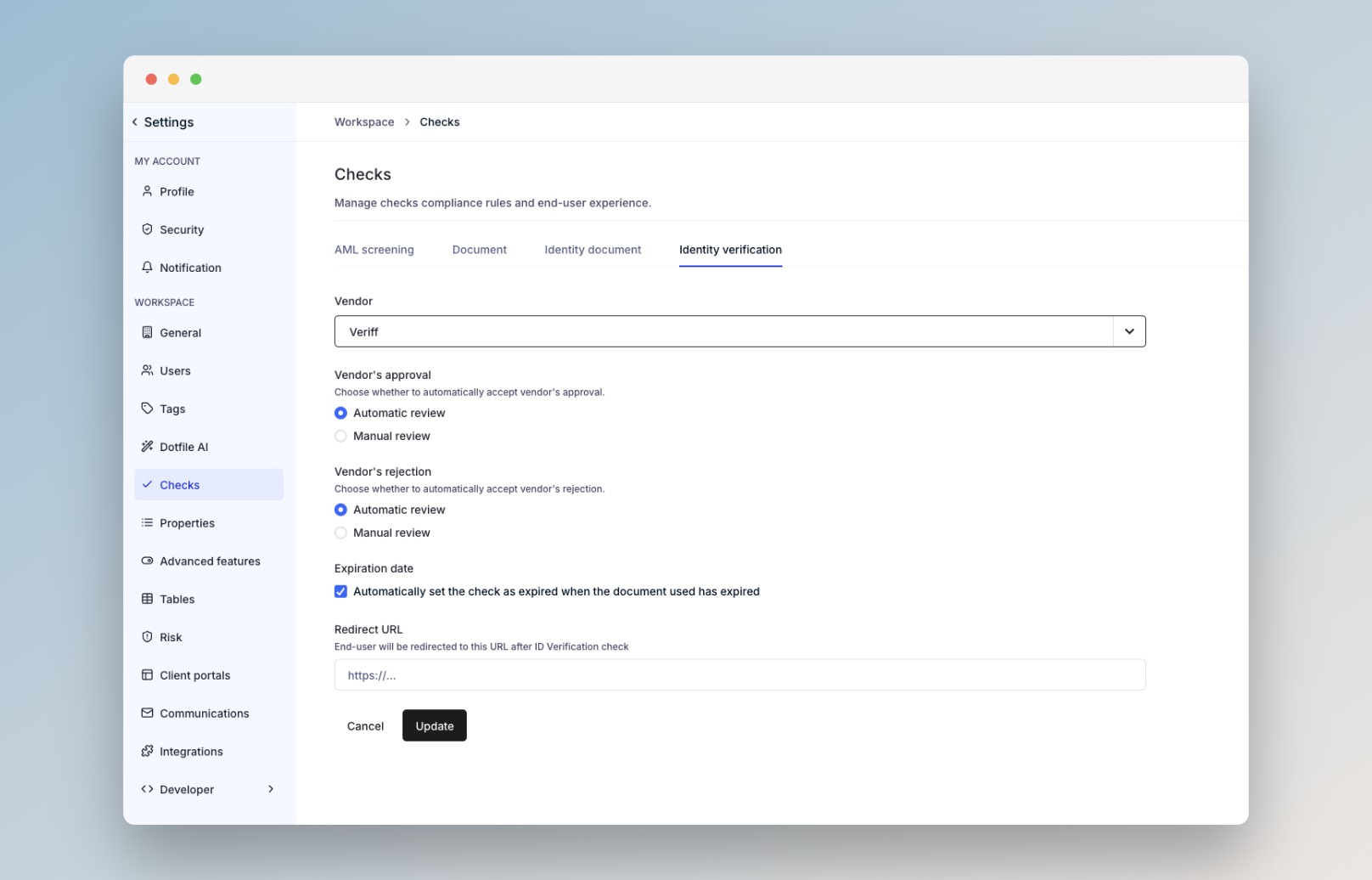
Go to Settings > Checks > Identity Verification to configure your preferences:
Select your preferred service provider: Checkout, Veriff, or Onfido.
Decide whether to automatically approve or reject the check based on the result returned by the provider.
For advanced configuration options, please reach out to your Customer Success Manager.
You can find more information in our product documentation.