Configure the look and feel of the client portal
Last updated: May 29, 2025
Go to Settings > Client Portals > Styling / Wording / Translation to customize the appearance and language of your form:
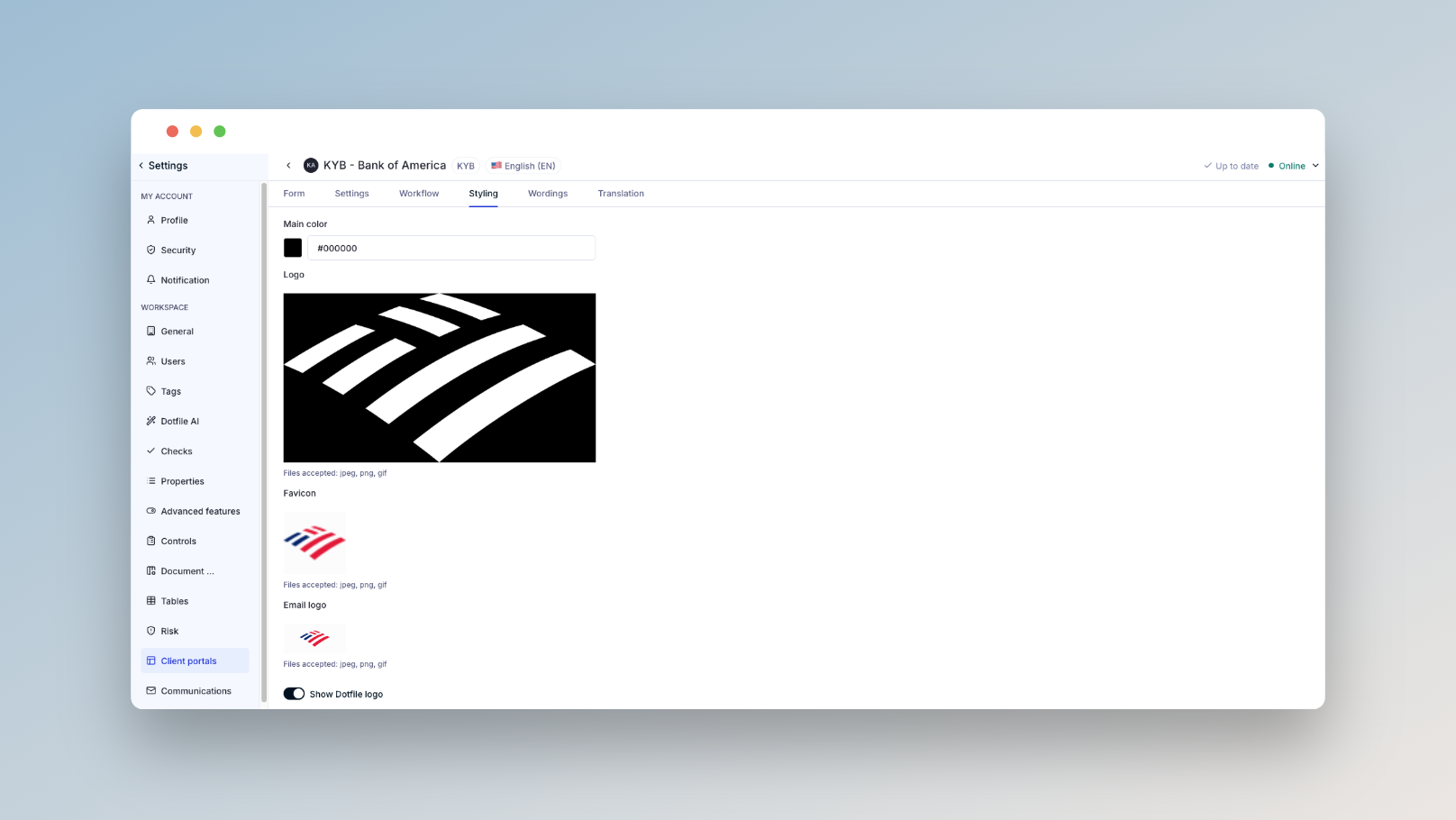
Styling: Set your main color, favicon, portal logo, and email logo. More info here.
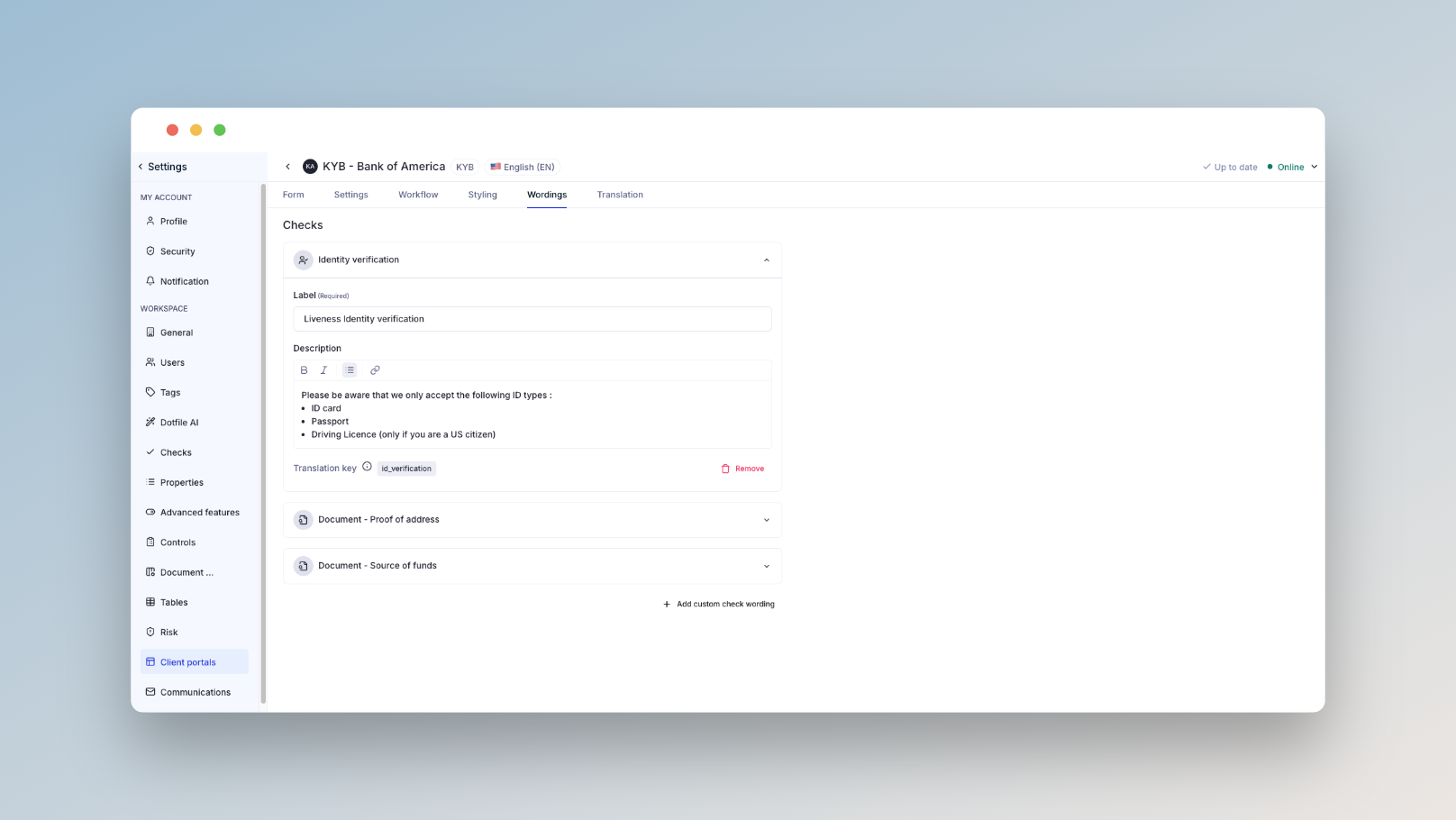
Wordings: Customize labels and add descriptions for checks shown to users. More info here.
Translation: Use Dotfile AI to auto-translate your form. You can always review and override translations manually. More info here.
More details are available in our product documentation.